
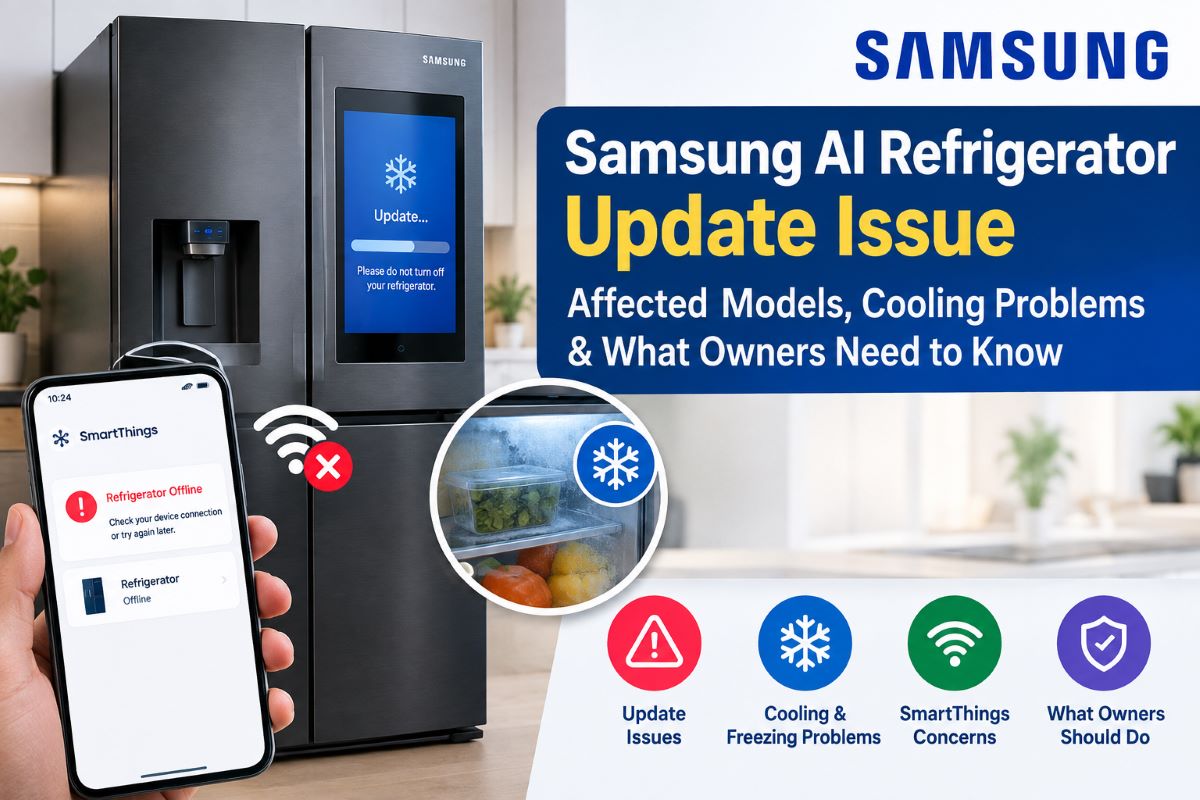
Reports about Samsung AI refrigerators bricked after update have raised concerns among owners of Samsung smart and AI-enabled refrigerators. Some customer reports describe refrigerators becoming unresponsive, losing SmartThings connectivity, or experiencing cooling and freezing problems after software or firmware updates.However, reported problems should be separated from information officially confirmed by Samsung. The exact affected models, firmware versions, regions, and technical causes should not be generalized without reliable confirmation.If you own a Samsung smart refrigerator, checking the model number, firmware version, SmartThings status, error messages, and Samsung Support information can help you understand whether your appliance may be affected.
Which Samsung Refrigerators Were Affected?
Reports have focused on certain smart and AI-enabled Samsung refrigerator units, but a complete list of affected models should only be provided when confirmed by Samsung or reliable reporting.Different refrigerators can use different hardware, firmware, software configurations, and regional settings. Therefore, a problem reported on one model does not automatically mean that every Samsung smart refrigerator is affected.
How to Check Your Refrigerator: Owners can find the model number on the refrigerator label and check software information through the appliance settings or SmartThings, depending on the model.
| What to Check | Why It Matters |
| Model number | Identifies the refrigerator |
| Firmware version | Identifies installed software |
| Update date | Helps establish when problems began |
| SmartThings status | Shows connectivity information |
| Error messages | Provides troubleshooting clues |
| Internal temperature | Confirms actual cooling performance |
Always compare this information with Samsung’s latest official support information.
What Update Caused the Problem?
The reported incident involves software associated with Samsung’s smart refrigerator ecosystem. However, identifying one specific update as the cause requires confirmed technical information.A Samsung AI fridge update can involve firmware running on the refrigerator, while other changes may involve the SmartThings app or Samsung’s cloud services.
Firmware vs. SmartThings: Refrigerator firmware controls software running directly on the appliance. SmartThings and cloud services support connected features such as monitoring, notifications, remote access, and device communication.For this reason, a Samsung SmartThings refrigerator issue should not automatically be treated as a refrigerator firmware failure.
Why Did Some Refrigerators Reportedly Stop Cooling?
Some reports describe cooling or freezing problems after an update, but the exact technical cause still needs to be established for the affected refrigerator.A Samsung fridge stopped cooling after update report could potentially involve software behavior, sensors, electronic controls, or another hardware condition.Owners should check the refrigerator’s actual internal temperature rather than relying only on the SmartThings app.
Software or Hardware Problem?: Modern refrigerators use software to coordinate electronic controls and sensors. A software problem can sometimes create symptoms that appear similar to hardware failures.Possible areas to investigate include sensors, electronic controls, firmware, displays, connectivity, and physical components. A proper diagnosis is required before identifying the exact cause.
Does Being Offline Stop Cooling?: A refrigerator appearing offline in SmartThings does not automatically mean its cooling system has stopped.An offline connection may primarily affect remote monitoring, notifications, or smartphone controls. The relationship between connectivity and core refrigerator functions depends on the specific model.
What Should Samsung Refrigerator Owners Do?
If a refrigerator develops problems after a software or firmware update, first determine whether the problem affects connectivity only or whether the appliance is actually failing to maintain temperature.
- Check the Internal Temperature: Use an appropriate appliance thermometer to check the refrigerator and freezer. Do not rely only on SmartThings status.
If temperatures are rising, keep the doors closed as much as possible while investigating the problem.
- Check SmartThings: Open SmartThings and review the refrigerator’s connection status, notifications, error messages, and available software information.If the refrigerator shows as offline, check whether other connected devices are also experiencing network problems.
- Restart Only as Recommended: Use only Samsung-recommended restart or reset procedures for your specific model.Avoid unofficial firmware modifications, resets, or downgrade instructions because procedures can vary between refrigerator models.
- Contact Samsung Support: If the problem continues, contact Samsung Support and provide the model number, firmware version, update date, error messages, and details about what happened after the update.This information can help Samsung determine whether the problem is related to a known Samsung refrigerator firmware update issue or another condition.
What About Food Safety?
If the refrigerator or freezer is no longer maintaining a safe temperature, protecting food should become an immediate priority.Use an appliance thermometer to determine the actual temperature and minimize door opening. Follow current guidance from an authoritative food-safety organization when deciding whether refrigerated or frozen food should be kept or discarded.
What Is Samsung Saying About the Issue?
Samsung’s latest official support pages, product notices, and customer-service communications should be checked before making definitive claims about this incident.The available information does not establish a complete official list of affected models, a universal technical cause, or a universal repair solution. These details should only be described as confirmed when Samsung or another reliable source verifies them.
Has Samsung Released a Fix?: A corrective firmware update or repair procedure should only be described as available when officially confirmed.If Samsung releases a fix, owners should check the affected models, firmware version, release date, installation instructions, and any recovery requirements before applying it.
Can the Update Be Rolled Back?: Owners should not assume that refrigerator firmware can be rolled back like a smartphone application.Recovery or rollback options depend on the specific appliance and Samsung’s procedures. Unofficial firmware installations or downgrade methods should be avoided unless Samsung provides an approved process.
Why This Issue Matters for Smart Appliances
The reported Samsung AI refrigerators bricked after update situation highlights how modern household appliances increasingly depend on software.A smart refrigerator may combine physical hardware, firmware, sensors, Wi-Fi, mobile applications, cloud services, and electronic controls. As these systems become more connected, reliable software updates and recovery options become increasingly important.
Smart Appliances Depend on Software: A Samsung refrigerator software update can involve more than a new app feature. Depending on the model, firmware can interact with sensors, displays, electronic controls, and other appliance systems.At the same time, software updates can provide improvements, compatibility changes, and security-related changes.
Connectivity vs. Core Functions: An internet-connected appliance going offline does not necessarily mean its essential physical functions have stopped.For example, SmartThings may become unavailable while local refrigerator functions continue operating. Owners should therefore distinguish between a connectivity problem and an actual cooling failure.
Samsung Refrigerator Update Issue vs. Normal Problems
A refrigerator developing a problem after an update does not automatically prove that the update caused it. Different symptoms can have different possible causes.
| Reported Symptom | Area to Investigate |
| SmartThings shows offline | Wi-Fi or connected services |
| App cannot control refrigerator | SmartThings or cloud services |
| Display problem | Firmware or electronics |
| Refrigerator not cooling | Sensors, controls, software, or hardware |
| Freezer temperature rising | Cooling system requires investigation |
| Appliance becomes unresponsive | Software or electronic systems |
These categories are troubleshooting clues, not diagnoses. Samsung Support or a qualified technician may be required to identify the actual cause.
Frequently Asked Questions?
Did a Samsung update brick AI refrigerators?
Some customer reports describe smart or AI-enabled refrigerators becoming unusable or developing serious problems after an update. However, this does not establish that all Samsung AI refrigerators were affected.
Which Samsung refrigerators were affected?
Only models specifically identified by Samsung or reliable reporting should be described as affected. Owners should compare their model and firmware information with Samsung’s latest support information.
Did affected refrigerators stop cooling?
Some reports describe cooling or freezing concerns after updates, but the exact cause and scope require confirmation. Check the actual internal temperature rather than relying only on SmartThings.
Can a Samsung refrigerator be bricked by an update?
A serious firmware problem can potentially prevent an appliance from operating normally. Whether a particular update caused such a failure depends on the refrigerator model and software involved.
Can I fix a Samsung refrigerator after an update?
Start with Samsung’s official troubleshooting instructions for your model. Check the temperature, SmartThings status, and error messages, then contact Samsung Support if the problem continues.
Can I undo a Samsung refrigerator firmware update?
Do not assume that an update can be reversed. Rollback or recovery options depend on the model, so use only an official Samsung procedure if one is provided.
Does SmartThings need to be connected for cooling?
A SmartThings offline status does not automatically mean the refrigerator has stopped cooling. Connected features and core appliance functions can operate differently depending on the model.
What should I do if my refrigerator stops cooling?
Check the internal temperature and keep the doors closed as much as possible. Follow Samsung’s troubleshooting instructions and contact Support if cooling does not return.
Can food spoil if the refrigerator stops working?
Yes. Food can become unsafe when a refrigerator or freezer cannot maintain appropriate temperatures. Use a thermometer and follow current food-safety guidance before deciding whether to keep food.
How can I check my Samsung refrigerator firmware?
The exact method varies by model. Software information may be available through refrigerator settings or SmartThings, so check your model’s Samsung user manual or Support page.
